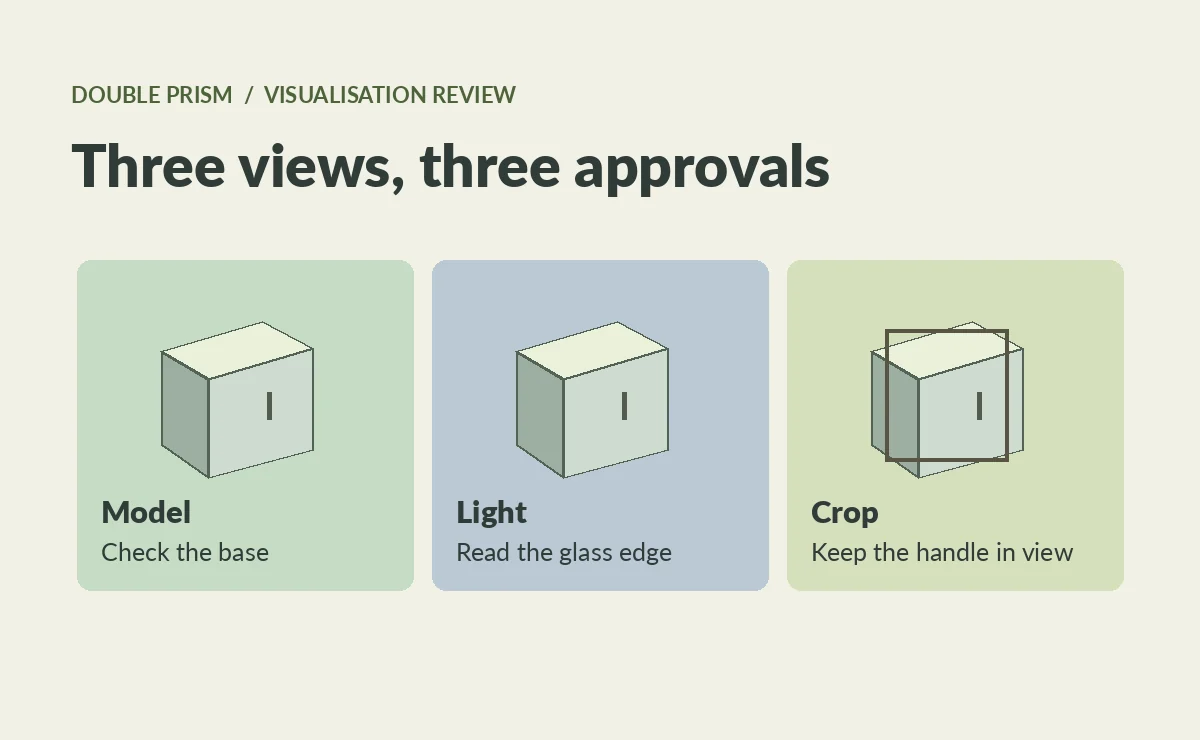
A visualisation can collect three approvals before it becomes a final render. Ask one question about the model, another about what the lighting reveals and a third about what remains legible in the delivered frame. Each review should give the recipient a specific thing to look at.
Use a model view to check the design
Imagine a furniture maker reviewing a fictional display cabinet. The front view looks right, but the spacing underneath is still open. Send a simple model view that shows the cabinet from a low angle. Ask whether the planned gap under the base matches the drawing and give the reviewer a dimension or an annotation they can compare.
Take the answer back to the model before spending time on finishes. If the person comments instead on how dark the feet look, record the observation for the lighting pass and return to the geometry question. One image can raise several good questions while still having a clear primary decision.
Use a light test to keep an important edge visible
For the same cabinet, the reviewer needs to see where the dark glass meets the frame. Use an approved view and compare two light arrangements at that same angle. Give the images matching crops and say what changed. If the frame edge appears in only one version, ask which treatment shows the cabinet clearly enough for the intended use. The example tests readability; a separate material reference can carry any question about the physical finish.
Review the actual delivery crop
Suppose the composition needs to work on a wide page and a square product card. Inspect both crops with the intended title or caption nearby. In the square view, the cabinet’s handle may sit too close to the edge or disappear. Move the view or compose a separate crop according to which detail the card needs to show.
Blender’s 4.5 manual documents camera composition guides and safe-area overlays, which can help make a framing discussion concrete. Keep the intended output shape beside the review image so the guides refer to the delivery you are discussing. Blender 4.5 manual on camera safe areas.
Give each approval a clear record
Write down which view was reviewed, the decision made and what the team still needs to see. For the cabinet example, the record could identify the model revision, the chosen light test and the two delivery crops. If a reviewer says the handle disappears in the square card, reopen the crop decision. Check whether shifting the camera keeps the handle visible without losing the top of the cabinet. Attach the revised square crop to that decision so the approved lighting view stays easy to find.